

How to generate GST invoices & GSTR-1 reports from your Android phone (2026 guide)
Step-by-step workflow for Indian shop owners: setting up GSTIN, HSN slabs, B2B vs B2C tax invoices, credit notes, and monthly GSTR-1 exports straight from an Android mobile POS.
You do not need an expensive desktop PC or full-time accounting operator to issue clean GST tax invoices and hand your Chartered Accountant accurate GSTR-1 numbers. Modern Android billing software like Kaasa lets you run the entire GST billing cycle from a standard smartphone.
Step 1: Configure your GSTIN and tax mode during app onboarding
Install Kaasa from Google Play, sign up with your mobile OTP inside the app, and enter your 15-digit GSTIN (or select Non-GST if your business is below the registration threshold). Kaasa automatically detects your home state from the first two digits of your GSTIN to apply CGST + SGST for local bills and IGST for inter-state sales.
Step 2: Map HSN codes and tax slabs once
Upload your item list via Excel/CSV or from a photo of your rate card. Assign each product's GSTN-aligned HSN code, tax slab (0%, 5%, 12%, 18%, 28%), and selling unit (pieces, kg, grams, litres, metres). After setup, counter staff never have to calculate tax manually.
Step 3: Create B2C walk-in or B2B GSTIN invoices by voice or tap
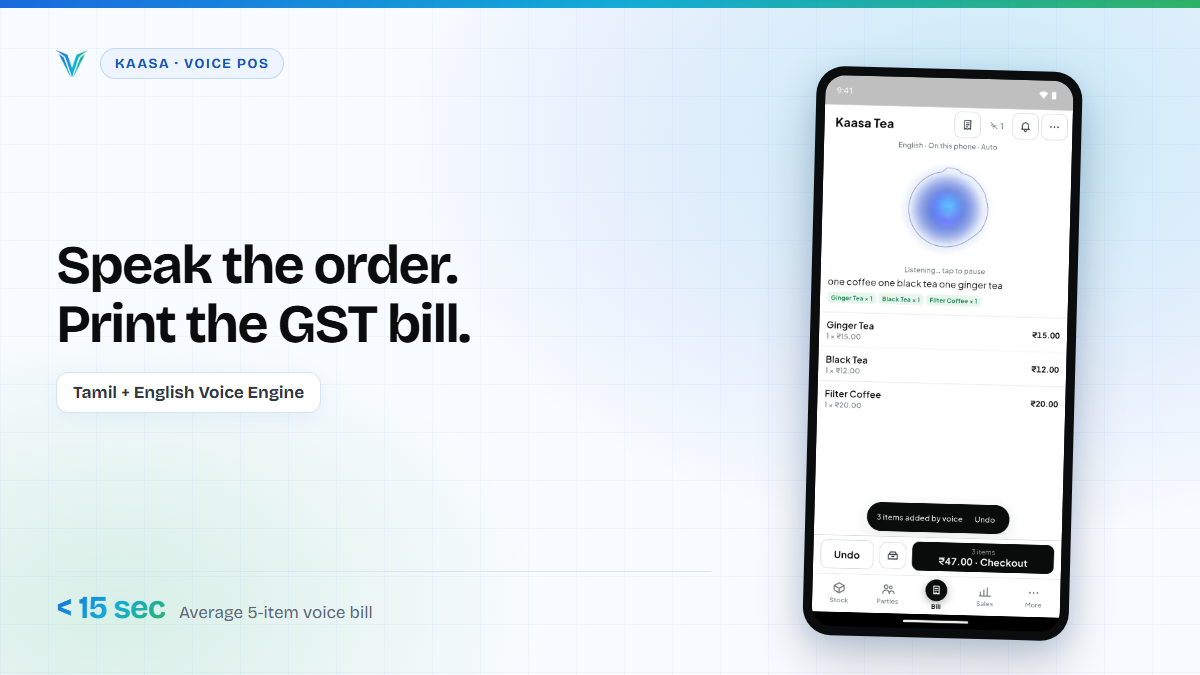
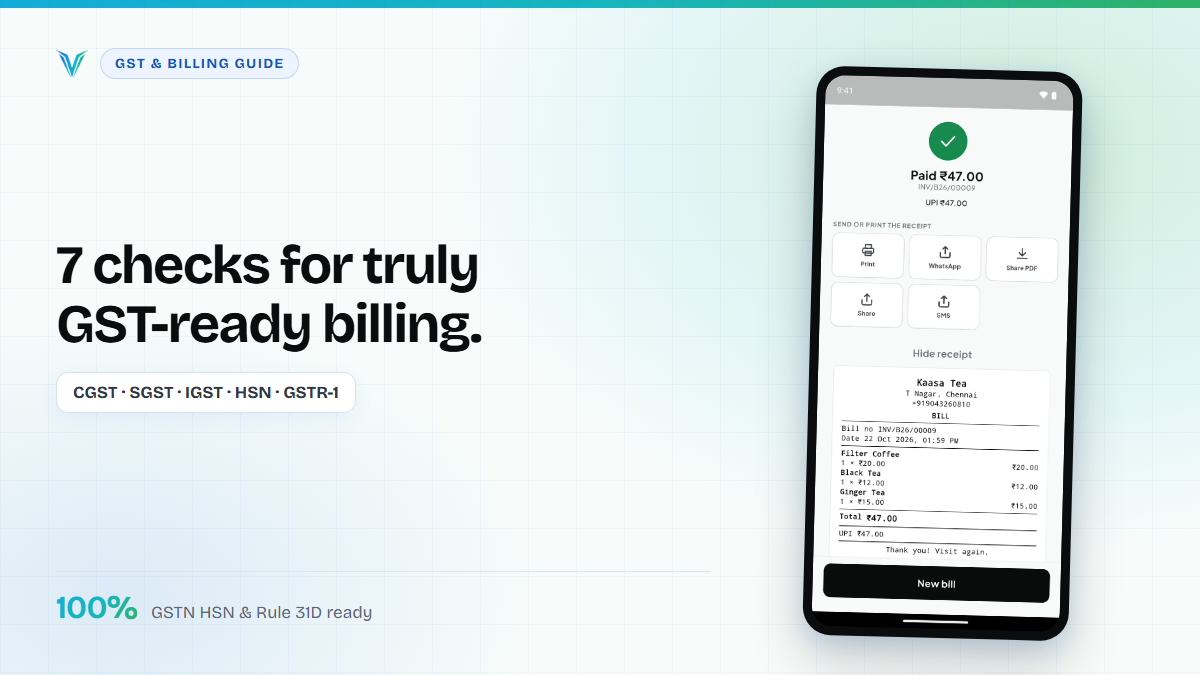
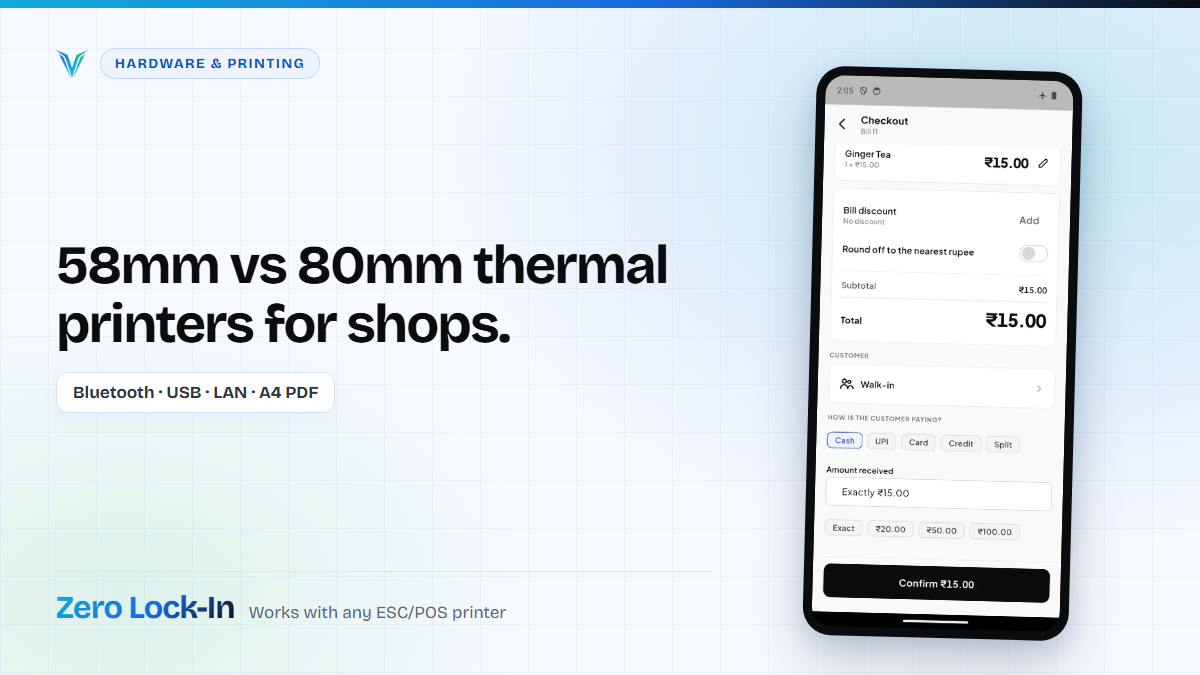
- Walk-in B2C sales: Speak the items or tap photo tiles and print a 58mm/80mm thermal GST receipt or send a PDF on WhatsApp in under 15 seconds.
- B2B business buyers: Add the buyer's GSTIN and state on the customer profile so their tax invoice carries their GSTIN for Input Tax Credit (ITC).
- Returns & exchanges: Issue a linked credit note at the original invoice's exact tax rate so your books stay audit-safe.
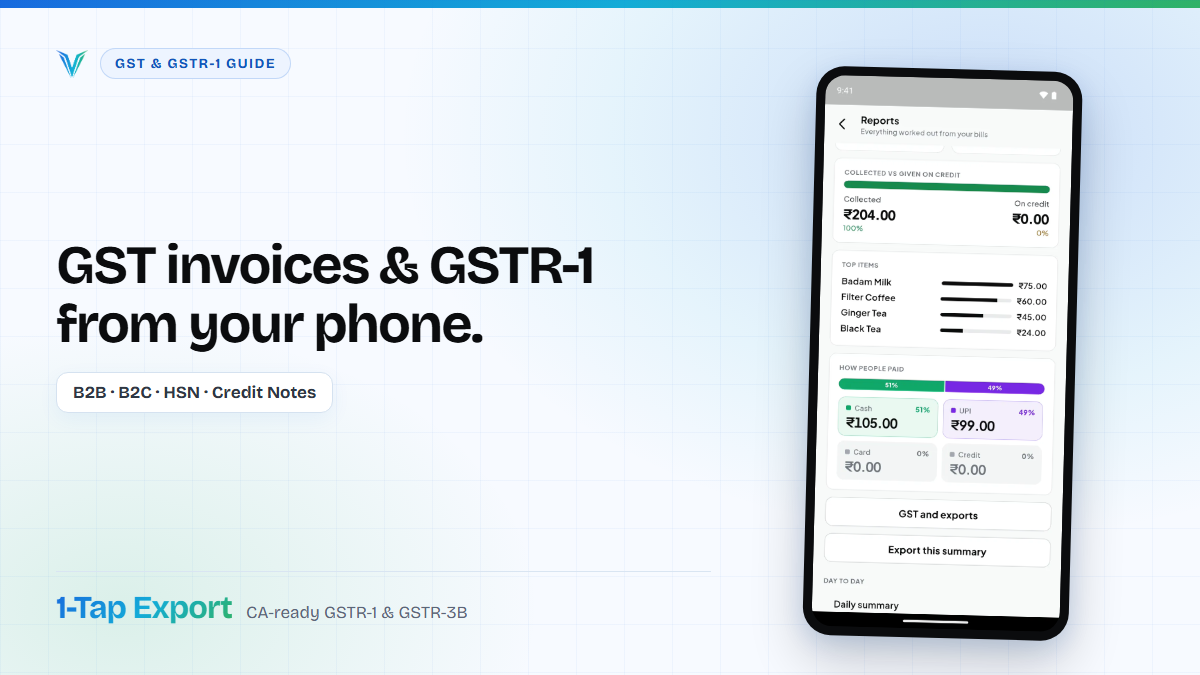
Step 4: Export GSTR-1 and GSTR-3B summaries for your CA
At month-end, open Reports in Kaasa to export your B2B, B2C, credit-note, and HSN-wise GSTR-1 and GSTR-3B summaries in Excel/CSV — or grant your accountant time-limited read-only auditor access. Start with a 7-day free trial in the Kaasa Android app, and manage subscriptions or GST billing invoices anytime on kaasa.vektorlabs.in.